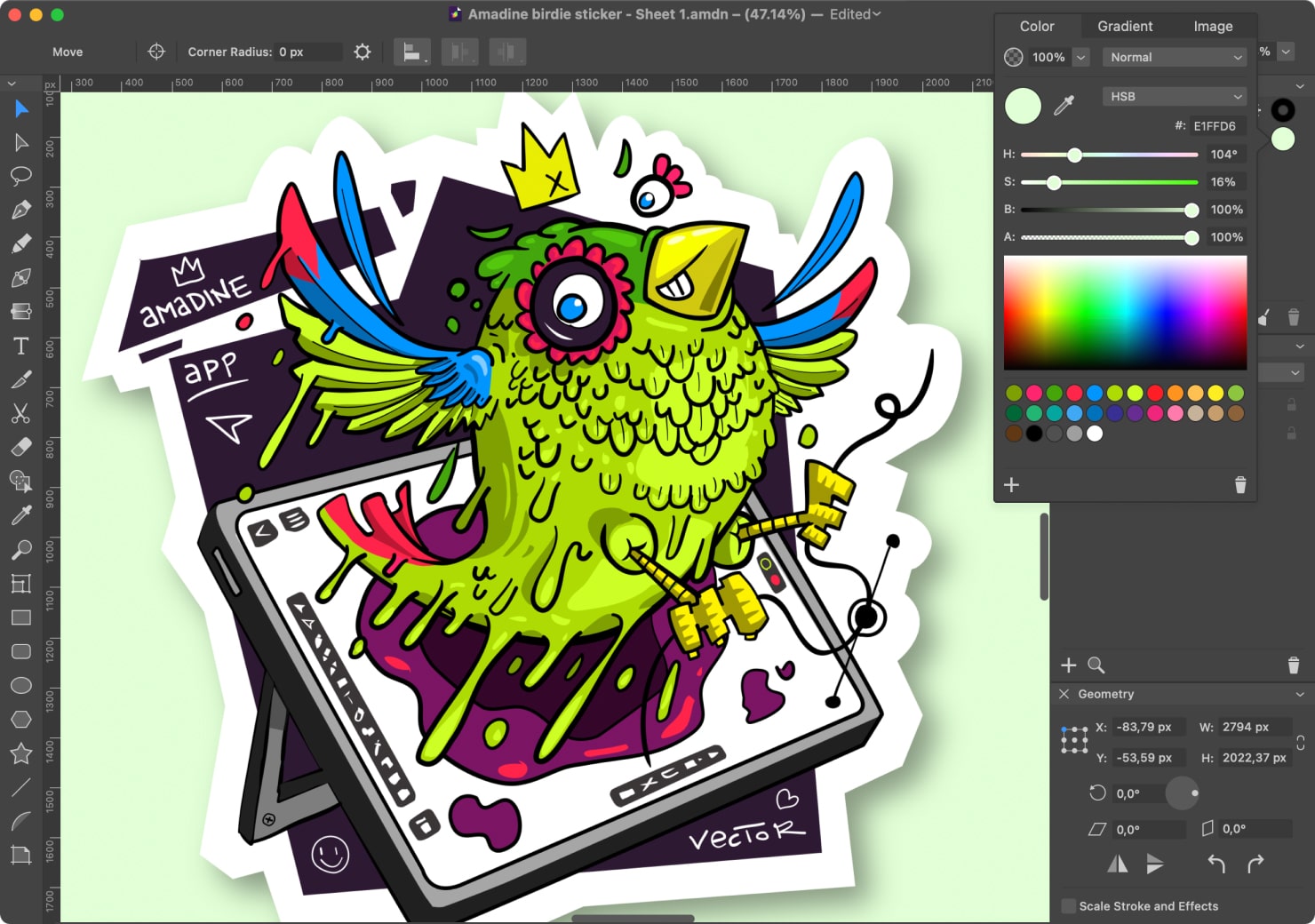
Exploring the World of Free Graphic Art Software
Graphic design has become an essential part of our digital world, from creating stunning visuals for websites to designing eye-catching social media posts. While professional graphic design software can be costly, there are also many free alternatives available that offer powerful features for aspiring designers and seasoned professionals alike.
GIMP (GNU Image Manipulation Program)
GIMP is a popular open-source graphic art software that rivals many paid options in terms of functionality. It offers a wide range of tools for image editing, retouching, and graphic design. With support for various file formats and a customizable interface, GIMP is a versatile choice for creatives on a budget.
Inkscape
If vector graphics are more your style, then Inkscape is the perfect free software for you. This powerful tool allows you to create scalable graphics and illustrations with precision. Whether you’re designing logos, icons, or intricate artwork, Inkscape provides the tools you need to bring your ideas to life.
Krita
For digital painters and illustrators, Krita is a feature-rich software that offers an extensive set of brushes and tools for creating stunning artwork. With support for layers, masks, and blending modes, Krita provides a flexible environment for artists to unleash their creativity without breaking the bank.
Canva
Canva is a user-friendly online platform that simplifies graphic design for beginners and professionals alike. While Canva offers premium features with a subscription, its free version still provides access to thousands of templates, graphics, and fonts to create visually appealing designs for various purposes.
Conclusion
Free graphic art software has democratised the world of design by making powerful tools accessible to everyone. Whether you’re a student learning the ropes or an experienced designer looking to experiment with new techniques, these free options offer endless possibilities for unleashing your creativity without breaking the bank.
Mastering Free Graphic Art Software: 7 Essential Tips for Creatives
- Explore different free graphic art software options to find one that suits your needs and preferences.
- Take advantage of online tutorials and resources to learn how to use the software effectively.
- Experiment with various tools and features within the software to enhance your creativity.
- Join online communities or forums related to graphic art software for tips, advice, and inspiration.
- Save your work regularly to avoid losing any progress or designs.
- Consider customising keyboard shortcuts in the software for a more efficient workflow.
- Don’t be afraid to try new techniques and push your boundaries when using free graphic art software.
Explore different free graphic art software options to find one that suits your needs and preferences.
When delving into the realm of free graphic art software, it is essential to explore a variety of options to discover the one that aligns best with your specific needs and preferences. Each software tool offers unique features and capabilities, so taking the time to experiment with different platforms can help you identify the one that resonates most with your creative style and workflow. By exploring diverse free graphic art software options, you can find a solution that empowers you to express your artistic vision effectively and efficiently.
Take advantage of online tutorials and resources to learn how to use the software effectively.
To make the most of free graphic art software, it is advisable to leverage online tutorials and resources that can enhance your understanding of the tools and features available. By exploring tutorials created by experts and engaging with online communities, you can learn valuable tips and techniques to use the software effectively. These resources provide a wealth of knowledge that can help you master various aspects of graphic design, empowering you to unleash your creativity and produce professional-quality artwork.
Experiment with various tools and features within the software to enhance your creativity.
To maximise your creative potential when using free graphic art software, it is essential to experiment with a diverse range of tools and features available within the software. By exploring different functions and techniques, you can discover new ways to express your ideas and enhance the visual impact of your designs. Embracing this spirit of experimentation not only allows you to push the boundaries of your creativity but also helps you develop a deeper understanding of the software’s capabilities, empowering you to create truly unique and captivating artwork.
Join online communities or forums related to graphic art software for tips, advice, and inspiration.
Engaging with online communities or forums dedicated to graphic art software can be a valuable resource for artists seeking tips, advice, and inspiration. By connecting with like-minded individuals, sharing experiences, and learning from experts in the field, you can expand your knowledge and enhance your skills in graphic design. These platforms provide a supportive environment where you can seek feedback on your work, discover new techniques, and stay updated on the latest trends in the industry. Joining online communities can not only help you grow as an artist but also foster a sense of belonging within a larger creative community.
Save your work regularly to avoid losing any progress or designs.
It is crucial to save your work regularly when using free graphic art software to prevent the risk of losing any progress or designs. By making it a habit to save your work frequently, you can safeguard against unexpected software crashes or technical issues that may occur during the design process. This simple but essential tip can help you maintain control over your creative projects and ensure that your hard work is preserved without any setbacks.
Consider customising keyboard shortcuts in the software for a more efficient workflow.
Customising keyboard shortcuts in free graphic art software can significantly enhance your workflow efficiency. By assigning frequently used functions to keys that are easy to reach and remember, you can streamline your design process and work more seamlessly. Tailoring the shortcuts to suit your preferences and working style allows you to navigate the software with ease, saving time and increasing productivity. Whether you’re editing images, creating illustrations, or designing layouts, customised keyboard shortcuts can be a game-changer in optimising your design workflow.
Don’t be afraid to try new techniques and push your boundaries when using free graphic art software.
When exploring free graphic art software, it is essential not to shy away from trying new techniques and pushing your creative boundaries. Embracing experimentation and stepping out of your comfort zone can lead to unexpected discoveries and innovative designs. By challenging yourself to explore the full potential of these tools, you can unlock new possibilities and enhance your skills as a graphic artist. Remember, creativity knows no limits, so dare to venture into uncharted territory and see where your imagination takes you.