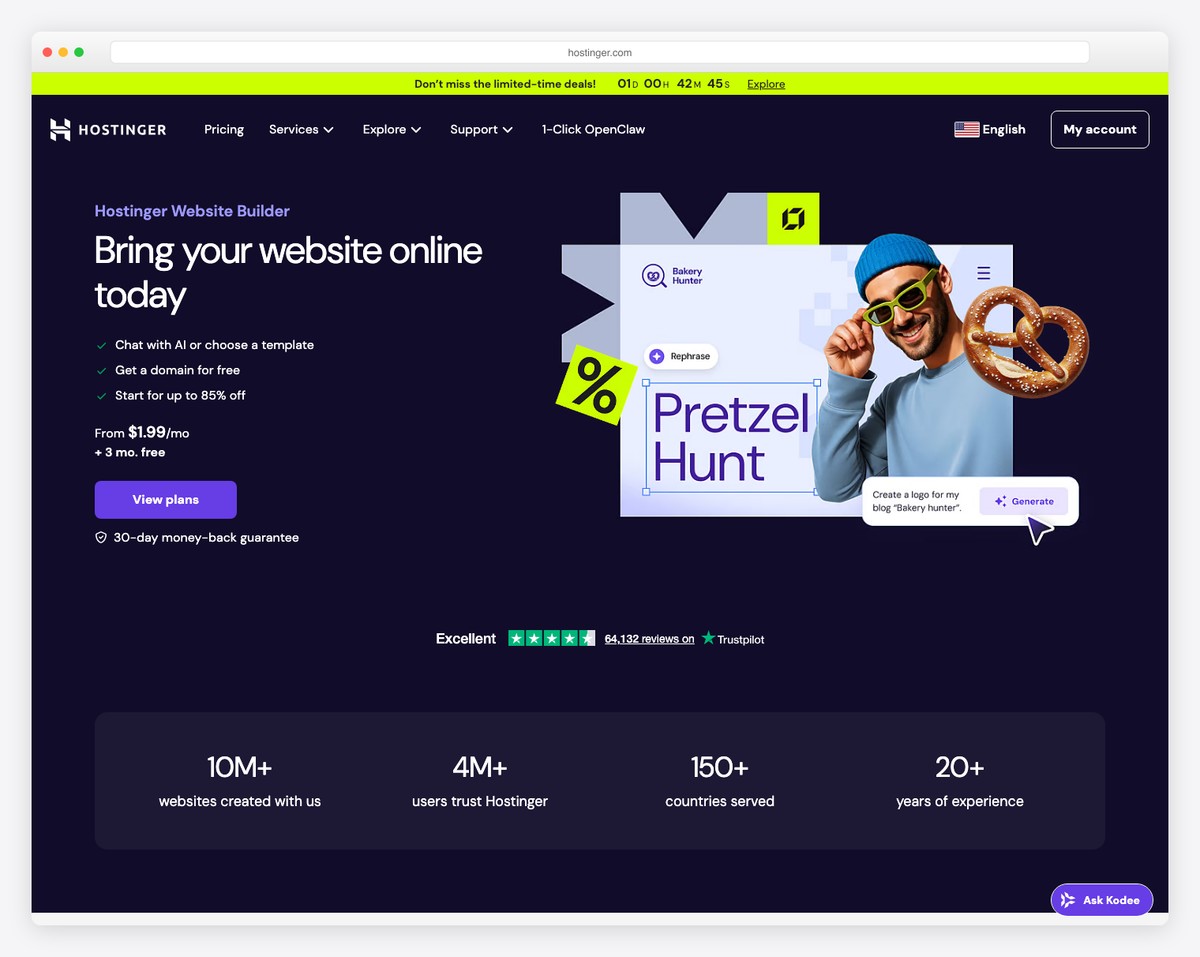
Website Builder Classes: A Practical Guide for Beginners
Website builder classes can help you turn an idea into a working website, even if you have little or no experience with web design. They introduce the tools and techniques used to plan, create and publish a site, from choosing a layout to adding pages, images and contact forms.
Whether you want to build a personal portfolio, promote a small business or create a website for an organisation, the right class can give you a clear starting point and help you develop useful digital skills.
What are website builder classes?
Website builder classes teach you how to use platforms that let you create websites through visual interfaces. Instead of writing every line of code, you can select templates, arrange content and adjust design settings using a drag-and-drop editor or similar tools.
Some classes focus on a particular platform, while others introduce general principles that apply across several website builders. Lessons may be delivered in person, live online or as self-paced videos and exercises.
What will you learn?
A well-rounded course usually covers more than the mechanics of using a website builder. You may learn how to:
- Plan a website’s purpose, audience and structure
- Choose a template and adapt it to suit your content
- Create pages, menus and calls to action
- Use images, video and other media effectively
- Make a site work well on mobile phones and tablets
- Write clear, accessible website content
- Apply basic search engine optimisation (SEO) principles
- Connect a domain name and publish your site
- Carry out routine updates and maintenance
Some classes also introduce online shops, booking systems, analytics, newsletters or custom code. The topics vary, so it is worth checking the course outline before enrolling.
Who can benefit from a class?
Website builder classes are suitable for a wide range of learners. Beginners can gain confidence and learn the process step by step. Small business owners may use the skills to manage their own site, while freelancers and students can create a portfolio to showcase their work.
They can also be useful for people who already have a website but want to make updates themselves. Understanding how the site is structured can make everyday changes—such as adding a new service or updating opening hours—simpler and quicker.
Choosing the right course
Before choosing a class, consider what you want to make and how you prefer to learn. A course designed for beginners should explain key terms and allow time to practise. If you have a specific platform in mind, look for a class that uses it. Otherwise, a course covering transferable design and content principles may be a better fit.
It is also helpful to check:
- Course format: Decide whether you prefer classroom teaching, live online sessions or self-paced learning.
- Practical work: Look for opportunities to build a real website rather than only watch demonstrations.
- Support: Find out whether you can ask questions or receive feedback on your work.
- Software and costs: Check whether a subscription, domain name or other paid service is required.
- Accessibility: Consider whether the course materials and teaching style suit your needs.
Website builders and coding
Website builders can make it possible to create a site without extensive coding knowledge, but that does not mean design skills are unnecessary. You will still need to think about navigation, readability, accessibility and how visitors move through the pages.
A builder may also allow you to add custom code for more control. Beginners do not usually need to start there, but learning basic HTML and CSS can be useful as your projects become more complex. A good class will make clear what the platform can do on its own and where additional skills may help.
Getting the most from your classes
Set a simple goal before you begin, such as creating a three-page portfolio or a basic website for a local service. Bring your own text and images if possible, and practise between lessons. Building a complete project helps you connect each feature to a real purpose.
Remember that publishing a website is not the final step. Content may need updating, links should be checked and the site should be tested on different devices. Website builder classes can give you the foundations to handle these tasks and continue improving your work over time.
Start building with confidence
Website builder classes offer a practical way to develop digital skills and bring an idea online. By choosing a course that matches your goals, practising as you learn and focusing on the needs of your visitors, you can create a website that is clear, useful and ready to grow.
Essential Tips for Mastering Website Builder Classes: A Guide to Effective Class Management
- Use clear, descriptive class names.
- Keep naming consistent across pages.
- Reuse classes for repeated styles.
- Avoid changing global classes unnecessarily.
- Use separate classes for distinct components.
- Check mobile layouts after styling.
- Remove unused classes regularly.
Use clear, descriptive class names.
Use clear, descriptive class names to make your website styles easier to understand and maintain. Names such as .main-navigation or .product-card explain what an element is for, making it simpler to find and update later. Avoid vague labels such as .blue-box, which describe appearance rather than purpose and may become misleading when the design changes.
Keep naming consistent across pages.
Keep names consistent across every page of your website. Use the same terms for menu items, services, products and buttons so visitors can easily recognise where to go and what to expect. Consistent naming also makes your site feel more organised and helps prevent confusion—for example, avoid calling the same service “Web Design” on one page and “Website Creation” on another unless you mean different things.
Reuse classes for repeated styles.
When building a website, reuse classes for styles that appear repeatedly, such as buttons, headings or content cards. Applying the same class keeps the design consistent and makes updates quicker: change the class once, and every element using it can follow suit. This also helps keep your styles organised and reduces unnecessary repetition.
Avoid changing global classes unnecessarily.
Avoid changing global classes unnecessarily when working in a website builder. Global classes control the appearance of multiple elements across your site, so adjusting one can unintentionally alter pages or components you did not mean to change. Before editing a global class, check where it is used; if the change should apply only to one element, create a separate class or use a local style instead. This helps keep your design consistent and makes future updates easier to manage.
Use separate classes for distinct components.
Use separate classes for distinct components to keep your website’s styles organised and easy to manage. For example, give buttons, navigation menus and content cards their own class names rather than relying on one general style for everything. This makes it easier to adjust one component without affecting others, and helps you maintain a consistent design as your site grows.
Check mobile layouts after styling.
After styling your website, check how it looks and works on mobile devices. A layout that appears polished on a desktop may have text that is difficult to read, images that dominate the screen or buttons that are hard to tap on a phone. Use your website builder’s preview tools to test different screen sizes, then adjust spacing, font sizes and page elements where needed. This final check helps ensure visitors can navigate your site comfortably wherever they view it.
Remove unused classes regularly.
Remove unused classes regularly to keep your website builder project organised and easier to maintain. Over time, experiments and deleted elements can leave behind styles that no longer serve a purpose, making it harder to find the right settings. Before removing a class, check that it is not used on another page or component; then tidy up the leftovers to keep your project clear and efficient.