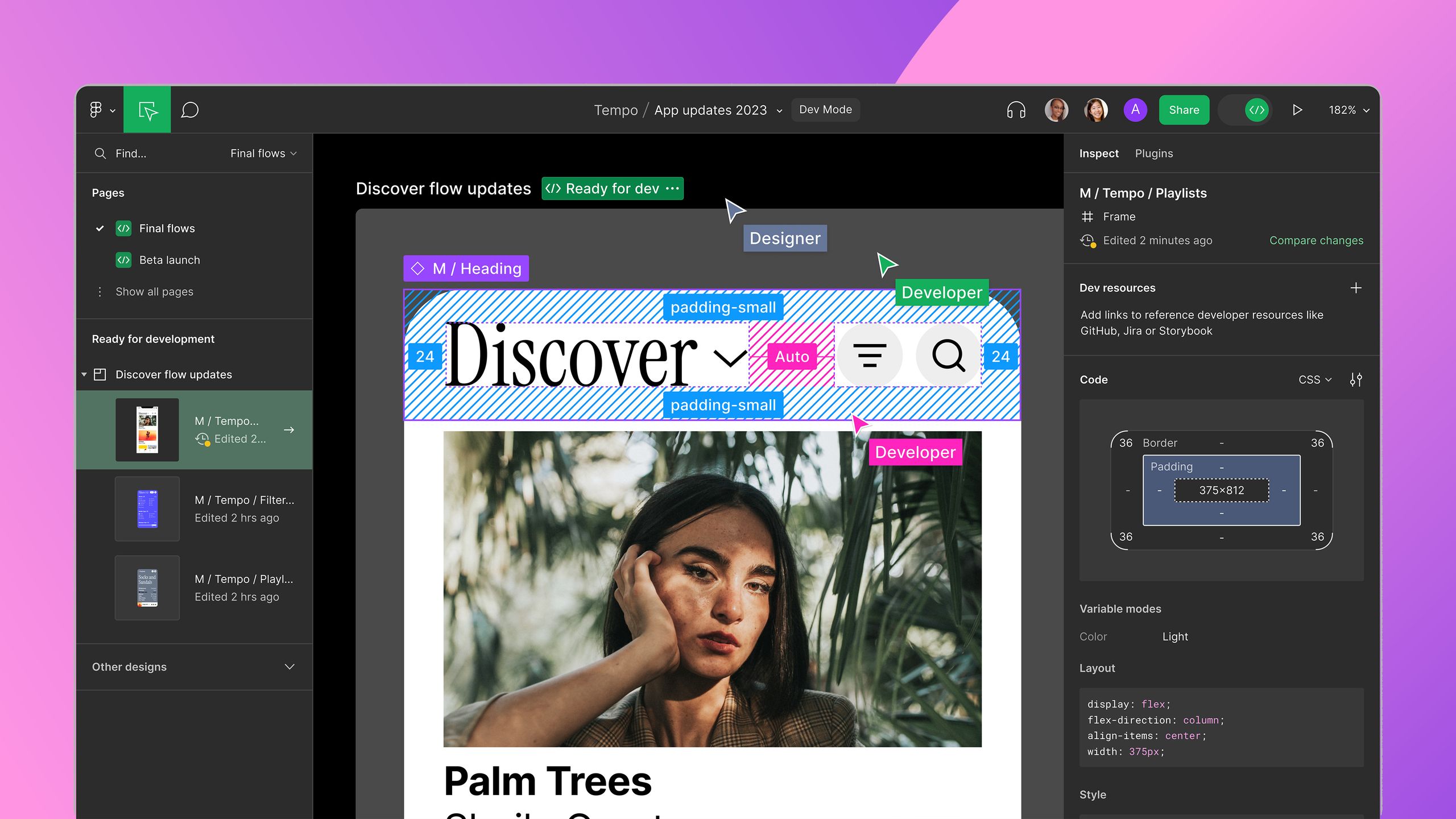
The Best Graphic Design Software for Creatives
Graphic design software plays a crucial role in the creative process, enabling designers to bring their ideas to life with precision and flair. With a plethora of options available in the market, it can be challenging to choose the right tool for your needs. To help you navigate through the sea of choices, we have curated a list of the top-rated graphic design software that professionals and enthusiasts swear by.
Adobe Creative Cloud
Adobe Creative Cloud is a powerhouse of design tools that includes industry-standard software like Photoshop, Illustrator, and InDesign. Whether you are working on digital illustrations, photo editing, or layout design, Adobe Creative Cloud offers a comprehensive suite of applications to fulfil your creative vision.
Sketch
Sketch is a popular choice among UI/UX designers for its intuitive interface and robust features tailored for designing websites and mobile apps. With its vector-based workflow and extensive plugin support, Sketch empowers designers to create stunning interfaces with ease.
CorelDRAW Graphics Suite
CorelDRAW Graphics Suite is known for its versatility and powerful tools for vector illustration and page layout. With features like LiveSketch, Symmetry drawing mode, and advanced typography controls, CorelDRAW is a favourite among graphic designers looking to push the boundaries of their creativity.
Affinity Designer
Affinity Designer is a professional-grade graphic design software that offers precise vector tools, advanced colour management, and seamless integration with other Affinity products. Whether you are creating logos, illustrations, or branding materials, Affinity Designer provides a smooth workflow and impressive results.
Inkscape
Inkscape is an open-source vector graphics editor ideal for artists and designers seeking a free alternative to commercial software. With robust features like node editing, complex path operations, and SVG format support, Inkscape enables users to create scalable graphics across various platforms.
Each of these top-rated graphic design software options brings unique strengths to the table, catering to different preferences and requirements. Whether you are a seasoned professional or an aspiring designer, investing in quality graphic design software can elevate your work to new heights of creativity and excellence.
Exploring Top-Rated Graphic Design Software: Key FAQs and Comparisons
- 1. What are the top-rated graphic design software options available in the market?
- 2. How does Adobe Creative Cloud compare to other graphic design software?
- 3. Which graphic design software is best suited for UI/UX design?
- 4. What features make CorelDRAW Graphics Suite stand out among other tools?
- 5. Is Affinity Designer a suitable alternative to Adobe products for graphic design?
- 6. What are the key benefits of using Inkscape as an open-source graphic design software?
- 7. How can I choose the right graphic design software based on my specific needs and skill level?
1. What are the top-rated graphic design software options available in the market?
When it comes to the top-rated graphic design software options available in the market, several standout choices consistently earn praise from professionals and enthusiasts alike. Industry-standard tools such as Adobe Creative Cloud, with applications like Photoshop, Illustrator, and InDesign, offer a comprehensive suite for various design needs. Additionally, software like Sketch caters specifically to UI/UX designers with its intuitive interface and powerful features. CorelDRAW Graphics Suite is renowned for its versatility in vector illustration and page layout, while Affinity Designer provides professional-grade tools for precise vector work. For those seeking a free alternative, Inkscape stands out as an open-source option with robust features for scalable graphics creation. Each of these top-rated options brings unique strengths to the table, catering to diverse preferences and requirements within the graphic design community.
2. How does Adobe Creative Cloud compare to other graphic design software?
When comparing Adobe Creative Cloud to other graphic design software options, it stands out as a comprehensive suite that encompasses industry-standard tools like Photoshop, Illustrator, and InDesign. Adobe Creative Cloud offers seamless integration between its applications, allowing designers to work across different disciplines with ease. The cloud-based nature of the software enables collaborative work and access to the latest updates and features. While other graphic design software may excel in specific areas or cater to niche needs, Adobe Creative Cloud’s wide range of functionalities and extensive resources make it a top choice for professionals looking for a versatile and powerful design solution.
3. Which graphic design software is best suited for UI/UX design?
When it comes to UI/UX design, one of the top-rated graphic design software options is Sketch. Known for its user-friendly interface and specialised features tailored for designing websites and mobile applications, Sketch has become a go-to tool for many UI/UX designers. With its vector-based workflow, extensive plugin support, and focus on creating intuitive interfaces, Sketch empowers designers to craft visually appealing and user-friendly digital experiences. Its versatility and robust capabilities make it a preferred choice for those looking to streamline their UI/UX design process and deliver exceptional results.
4. What features make CorelDRAW Graphics Suite stand out among other tools?
CorelDRAW Graphics Suite stands out among other graphic design tools due to its exceptional features tailored for vector illustration and page layout. One key feature that sets CorelDRAW apart is its innovative LiveSketch tool, which allows designers to sketch directly on a digital canvas using a pen-enabled device, converting freehand drawings into precise vector curves. Additionally, the Symmetry drawing mode in CorelDRAW enables artists to create intricate symmetrical designs effortlessly. The software also offers advanced typography controls, making it a preferred choice for designers looking to craft visually appealing and professional-grade graphics with ease.
5. Is Affinity Designer a suitable alternative to Adobe products for graphic design?
When considering Affinity Designer as an alternative to Adobe products for graphic design, it is essential to weigh the features and capabilities of both software options. Affinity Designer offers a professional-grade platform with precise vector tools, advanced colour management, and seamless integration within the Affinity suite. While Adobe products like Photoshop and Illustrator are industry standards known for their extensive functionalities and widespread adoption, Affinity Designer’s affordability and robust performance make it a compelling choice for designers looking for a versatile tool that can deliver exceptional results in graphic design projects. Ultimately, the decision between Affinity Designer and Adobe products depends on individual preferences, workflow requirements, and budget considerations.
6. What are the key benefits of using Inkscape as an open-source graphic design software?
When considering the key benefits of using Inkscape as an open-source graphic design software, several advantages stand out. Firstly, as an open-source tool, Inkscape is freely available to users, making it a cost-effective option for designers looking to create vector graphics without investing in expensive software. Additionally, Inkscape’s robust features, such as node editing and complex path operations, provide users with the flexibility and precision needed to craft intricate designs. The software’s support for the scalable vector graphics (SVG) format ensures that designs can be easily shared and scaled across different platforms without losing quality. Overall, Inkscape offers a powerful yet accessible platform for artists and designers seeking a versatile tool for their creative projects.
7. How can I choose the right graphic design software based on my specific needs and skill level?
When it comes to selecting the most suitable graphic design software for your individual requirements and skill level, it is essential to consider several factors. Firstly, assess the nature of your design projects – whether you focus on illustrations, web design, photo editing, or print layouts. Understanding your specific needs will help narrow down the options that align with your goals. Secondly, evaluate your proficiency level in graphic design – beginners may benefit from user-friendly interfaces and comprehensive tutorials, while advanced users might seek advanced features and customisation options. By researching and testing different software applications based on these criteria, you can make an informed decision that empowers you to unleash your creativity effectively.