Best Animation Software: A Guide for Every Kind of Creator
The best animation software depends on what you want to make. A hand-drawn cartoon, a 3D character film and an animated title sequence all call for different tools. Your experience, budget and computer setup matter too.
This guide compares some of the leading animation programmes, from free options for beginners to professional tools used in film, television and design. Features and prices can change, so check each developer’s website before choosing.
Best animation software at a glance
- Best free all-rounder: Blender
- Best for professional 2D animation: Toon Boom Harmony
- Best for 2D character animation: Moho
- Best for motion graphics: Adobe After Effects
- Best for beginners exploring 2D: Adobe Animate
- Best free tool for traditional 2D animation: OpenToonz
- Best for professional 3D production: Autodesk Maya
- Best for 3D motion graphics: Cinema 4D
Blender: best free all-rounder
Blender is a powerful, open-source 3D creation suite. It supports modelling, rigging, animation, rendering, compositing and video editing, making it a versatile choice for independent artists and small teams.
Its 2D animation tools, built around Grease Pencil, also make it possible to draw and animate within a 3D environment. Blender’s main drawback is its learning curve: the range of tools can feel daunting at first. Still, the software is free to use, and its large community provides plenty of tutorials and learning resources.
Choose Blender if: you want to explore 3D animation without paying for a subscription, or you need a flexible tool for personal projects.
Toon Boom Harmony: best for professional 2D animation
Toon Boom Harmony is widely used for 2D animation in television and film production. Its tools cover drawing, rigging, traditional frame-by-frame animation, compositing and production workflows.
Harmony can support both hand-drawn and cut-out styles, which makes it suitable for a range of projects. Its extensive features may be more than a casual user needs, and it takes time to learn. It is also a paid product, so it is worth checking which edition fits your requirements.
Choose Toon Boom Harmony if: you are aiming for a professional 2D workflow or collaborating on a larger production.
Moho: best for 2D character animation
Moho focuses on 2D animation, particularly character work. Its bone-rigging tools let animators create reusable characters and pose them without redrawing every frame. It also offers drawing and frame-by-frame features for a more traditional look.
Rigging can speed up character animation, though setting up a convincing character takes practice. Moho is a strong option for independent animators who want dedicated 2D tools without taking on the scale of a full production package.
Choose Moho if: your work centres on 2D characters, dialogue and reusable rigs.
Adobe After Effects: best for motion graphics
After Effects is designed for compositing, visual effects and motion graphics. It is commonly used to animate text, logos, illustrations and interface elements, as well as to combine footage with visual effects.
It is not a dedicated character-animation programme, although it can be used for simple character rigs and animated scenes. Many creators use it alongside other software: for example, they may draw artwork in an illustration programme and animate or composite it in After Effects.
Choose After Effects if: you want to create animated titles, explainers, social media graphics or visual effects. Bear in mind that it is part of Adobe’s paid software offering.
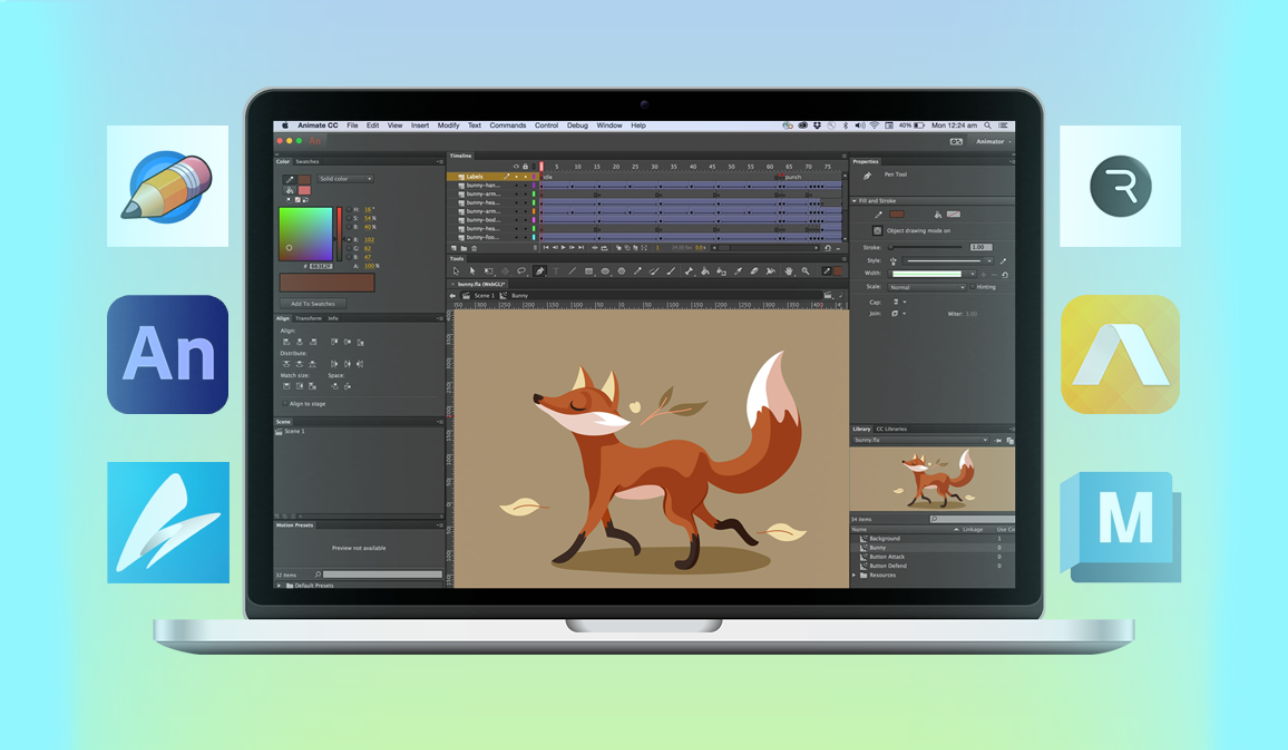
Adobe Animate: best for getting started with 2D
Adobe Animate offers tools for vector-based animation and frame-by-frame work. It can be used for cartoons, interactive content and web-style animations. Its familiar timeline-based approach makes it approachable for people who have used other creative applications.
It is not the only option for 2D animation, and its suitability depends on your intended format and workflow. Check the latest export options and compatibility before starting a project, particularly if you are making content for a specific platform.
Choose Adobe Animate if: you want a straightforward way to learn 2D animation and already work with Adobe tools.
OpenToonz: best free option for traditional 2D
OpenToonz is a free, open-source programme for 2D animation. It provides drawing and production tools for frame-by-frame work and has been used in professional animation workflows.
The interface can take some getting used to, and beginners may need to rely on tutorials to find their way around. In return, it offers a capable set of tools without a purchase cost.
Choose OpenToonz if: you want to experiment with traditional 2D animation using free software.
Autodesk Maya: best for professional 3D production
Autodesk Maya is a comprehensive 3D application used across film, television and games. It includes tools for modelling, rigging, character animation, simulation and rendering. Its animation and rigging capabilities make it a common choice for studio pipelines.
Maya is a substantial programme to learn and is generally better suited to people with a clear 3D production goal than to casual experimentation. It is commercial software, although Autodesk offers different access options depending on eligibility and use.
Choose Maya if: you are pursuing a career in 3D animation or need software that fits a professional production pipeline.
Cinema 4D: best for 3D motion graphics
Cinema 4D is known for its 3D design and motion-graphics workflow. It is used to create animated typography, product visuals, broadcast graphics and other polished 3D sequences. Its integration with other design tools can be useful for visual designers and motion artists.
It is a paid application, and the right setup depends on your workflow and any other software you use. If you are mainly interested in character animation or sculpting, compare its tools with dedicated alternatives before committing.
Choose Cinema 4D if: you want to produce 3D motion graphics and design-led animation.
How to choose the right animation programme
Decide what you want to animate
Start with the type of project. For hand-drawn cartoons, look at 2D tools such as Harmony, Moho or OpenToonz. For 3D scenes, consider Blender or Maya. For animated titles and graphic elements, After Effects or Cinema 4D may be a better fit.
Consider your experience
Some applications are easier to approach than others, but no professional animation tool is entirely effortless. Look for a clear beginner tutorial series and try a small project before investing in advanced features.
Check the cost and licensing
Free software can be an excellent starting point, while paid tools may offer specific features or workflows that suit your work. Check current pricing, trial options, educational access and licensing terms directly with the software provider.
Think about your computer and workflow
3D animation and high-resolution projects can demand significant processing power and storage. Check the minimum and recommended system requirements. If you plan to work with collaborators, make sure you can exchange files in formats they can use.
Which animation software should you choose?
For a free starting point that can grow with your skills, Blender is a compelling choice, especially for 3D. For studio-style 2D production, Toon Boom Harmony is worth exploring. Moho is well suited to rigged 2D characters, while After Effects excels at motion graphics. OpenToonz offers a free route into traditional 2D animation, and Maya and Cinema 4D are established options for different kinds of professional 3D work.
The best choice is the one that supports the animation you want to make and feels manageable in your day-to-day workflow. Try a small scene or short sequence before committing: a few minutes of hands-on testing can tell you more than a long list of features.
7 Tips for Choosing the Best Animation Software
- Choose Blender for powerful free 3D animation.
- Try Toon Boom Harmony for professional 2D work.
- Use Adobe Animate for web and vector animation.
- Pick Moho for efficient 2D character rigging.
- Explore Procreate Dreams for animation on iPad.
- Test free trials before choosing paid software.
- Match the software to your skills and project.
Choose Blender for powerful free 3D animation.
Choose Blender if you want powerful 3D animation software without the cost of a subscription. This free, open-source programme includes tools for modelling, rigging, animation and rendering, so you can take a project from its first shapes through to a finished scene. Its many features can take time to learn, but tutorials and a large user community make it easier to get started.
Try Toon Boom Harmony for professional 2D work.
For professional 2D animation, consider Toon Boom Harmony. Its tools support a range of workflows, from frame-by-frame drawing to rigged, cut-out animation, alongside compositing features for assembling finished scenes. It is widely used in animation production, but its extensive toolkit can take time to master. Try the available learning resources and check the different editions to find one that suits your project and experience.
Use Adobe Animate for web and vector animation.
Choose Adobe Animate for web and vector animation, particularly when you want to create crisp graphics that scale cleanly across different screen sizes. Its timeline and drawing tools make it useful for animating characters, icons and interactive content, while vector artwork can be edited without losing quality. Before starting, check that Animate’s current export options suit the platform or format you plan to use.
Pick Moho for efficient 2D character rigging.
Choose Moho for efficient 2D character rigging. Its bone-based tools let you build a character once and animate it through reusable poses and movements, rather than redrawing every frame. This can speed up dialogue scenes and recurring character animations, while still allowing you to add hand-drawn details when needed.
Explore Procreate Dreams for animation on iPad.
For animation on an iPad, explore Procreate Dreams, a touch-based app designed for drawing, animating and bringing artwork to life. Its timeline and gesture controls make it a natural option for artists who enjoy working directly on the screen, whether they are creating short hand-drawn sequences or adding movement to illustrations. If you already use Procreate, its familiar creative approach may help you get started, though it is worth checking the current features and compatibility to make sure they suit your project.
Test free trials before choosing paid software.
Before committing to paid animation software, take advantage of any free trials to see how well the programme suits your workflow. Try the tools you expect to use, follow a beginner tutorial and create a short test animation. This gives you a practical feel for the interface, performance and learning curve, helping you decide whether the features justify the cost.
Match the software to your skills and project.
Match the software to both your current skills and the project you want to create. If you are new to animation, choose a beginner-friendly programme with clear tutorials rather than one packed with tools you may not yet need. Think about the style, too: 2D cartoons, 3D scenes and motion graphics each suit different software. A free trial or a small test project can help you check that the programme feels comfortable and supports your workflow before you commit.